Vai al contenuto

Step-by-step guide

How to Make a Knight Cat AI Video

Una o due foto · Video completo acquistato separatamente · 10–30 secondi

Modalità di creazione
Aggiungi una foto nitida

Carica una foto nitida di una persona o un animale per creare un cavaliere solitario con armatura e una grande spada. Il volto deve essere visibile; almeno 240 × 240 pixel.

Controllo del tuo saldo video…

Pagamento unico · La creazione parte dopo il pagamento

Usa 17 crediti · Addebito anticipato, rimborso in caso di errore

Creando, confermi di avere il permesso di usare tutte le foto caricate. Termini di servizio

Esempi realmente generati con IA

Le tue foto. La tua storia di cavalieri.

Scegli Una foto per un piccolo cavaliere solitario, oppure Due foto per aggiungere un grande protettore. Con Due foto, la foto 1 è il cavaliere e la foto 2 il protettore; servono entrambe. Una persona o un animale per foto.

Funziona anche con gli animali

Due gatti, tu e il tuo cane, oppure un animale e un familiare.

Scopri i duo con animali →
Video generato · Riproduci con audio · Esempi realmente generati con IA
01

Una foto · Impassibile nel vento

10 secondi · 720P · Verticale · Creato con questo generatore

Una foto, una clip di 10 secondi: il gattino resta impassibile in armatura completa mentre il vento agita il mantello e l’erba. La foto di esempio è generata con l’IA.

Guarda questo esempio
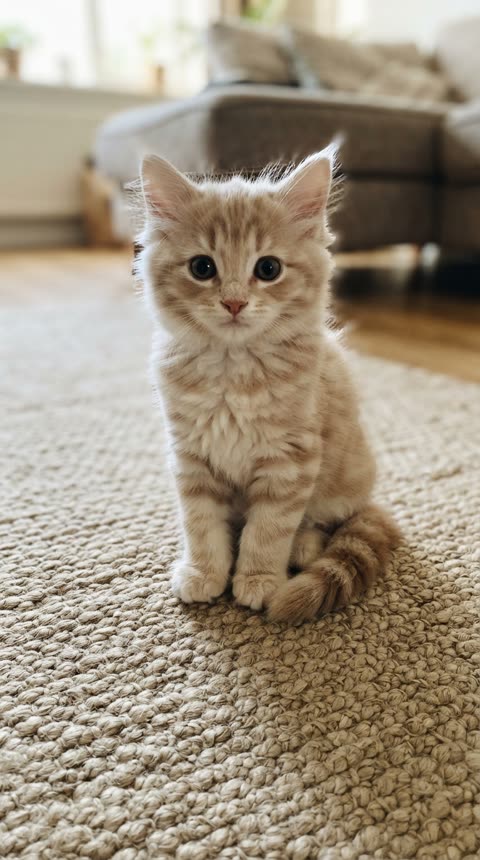
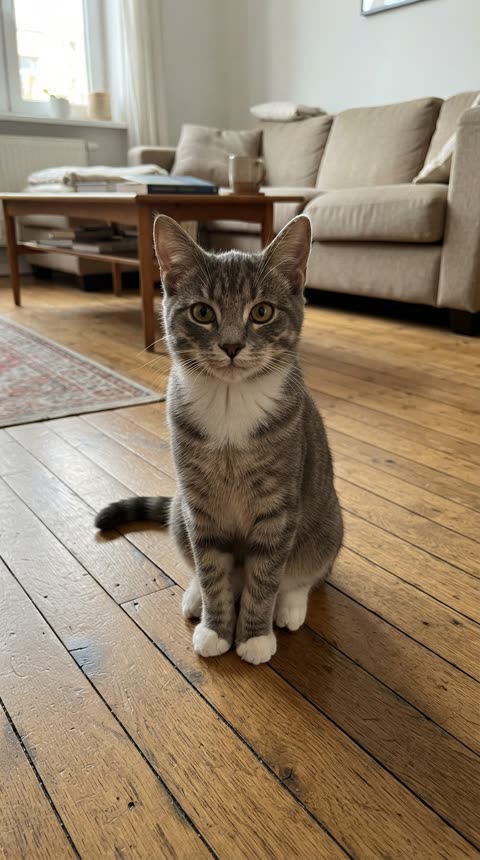
Una foto · Impassibile nel vento · Foto 1 · Piccolo cavaliere
Foto 1 · Piccolo cavaliere
Video generato · Riproduci con audio · Esempi realmente generati con IA
02

Due foto · Rivelazione gym bro

10 secondi · 720P · Verticale · Creato con questo generatore

Due foto: un gatto come piccolo cavaliere e una persona come gym bro. La telecamera si allontana e rivela il compagno gigante con una spada ancora più grande. Le foto di esempio sono generate con l’IA.

Guarda questo esempio
Due foto · Rivelazione gym bro · Foto 1 · Piccolo cavaliere
Foto 1 · Piccolo cavaliere
Due foto · Rivelazione gym bro · Foto 2 · Gym bro
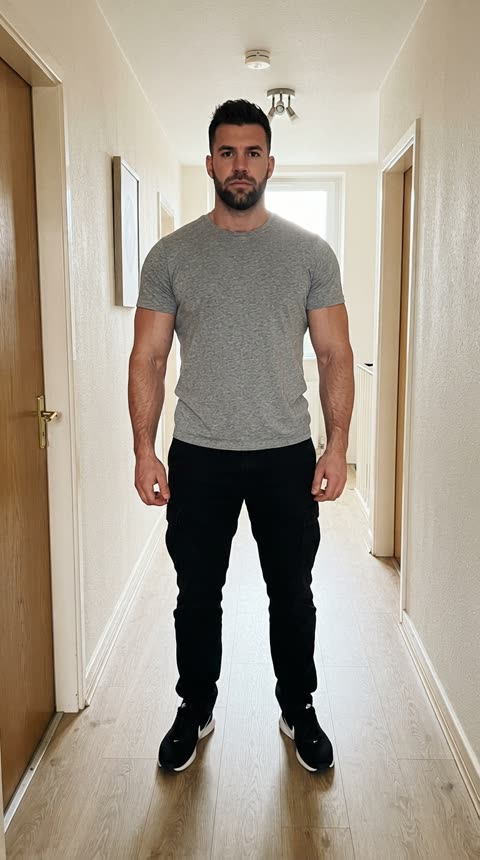
Foto 2 · Gym bro

Scegli Una foto per un piccolo cavaliere solitario, oppure Due foto per aggiungere un grande protettore. Con Due foto, la foto 1 è il cavaliere e la foto 2 il protettore; servono entrambe. Una persona o un animale per foto.

Before you upload

Use one sharp photo with a visible face or muzzle and as much of the body as possible. For a solo cat or dog, choose Single photo. For a pair, Photo 1 is always the little knight. Do not upload a screenshot of the meme as your identity photo.

To add yourself beside your pet, select Two photos. Put your pet in Photo 1 and your portrait in Photo 2. Use one subject per photo; you do not need a picture of the two of you together. Leave the setting at Misty moor for the familiar foggy-field atmosphere.

This tool makes a new video from your photos, not a copy of the original clips. One photo makes the solo knight standing unfazed in the wind; with two, the camera pulls back to reveal your giant companion beside them, holding an even bigger sword. Choose original wind ambience or silence. The original videos and music are not included.

The four things that matter

Photo 1 · Little knight

Use one sharp photo with a visible face or muzzle and as much of the body as possible. For a solo cat or dog, choose Single photo. For a pair, Photo 1 is always the little knight. Do not upload a screenshot of the meme as your identity photo.

Start short, then choose your format

Try 10 seconds to inspect the faces and armor. Choose 480P, 720P or 1080P, and portrait 9:16 or landscape 16:9. Longer or higher-resolution outputs use more credits.

Review the faces and armor

Try 10 seconds to inspect the faces and armor. Choose 480P, 720P or 1080P, and portrait 9:16 or landscape 16:9. Longer or higher-resolution outputs use more credits.

Keep the page open

The render runs on the server and the page streams the progress. Leave the tab open until it finishes.

Knight Cat AI questions

The practical details that decide how the finished video looks.

What photos work best?

Use one sharp photo with a visible face or muzzle and as much of the body as possible. For a solo cat or dog, choose Single photo. For a pair, Photo 1 is always the little knight. Do not upload a screenshot of the meme as your identity photo. To add yourself beside your pet, select Two photos. Put your pet in Photo 1 and your portrait in Photo 2. Use one subject per photo; you do not need a picture of the two of you together. Leave the setting at Misty moor for the familiar foggy-field atmosphere.

Which settings should I pick first?

Choose the performance mode, duration and resolution to see the exact credits before generating. Failed renders are not charged.

How long does a render take?

Most videos are ready in minutes. Longer and higher-resolution videos take longer, so keep the page open while it works.

Why did my video fail?

Renders can fail when a photo has no clear face, when several people share the frame, or when the service is busy. Try a clearer photo, or generate again. Failed renders are never charged.

Does AI replace the clothing with armor?

The generator dresses the little knight in fitted medieval armor and leaves faces visible; a gym bro in Photo 2 keeps their own clothes. It aims to retain recognizable faces, species and fur markings; it does not simply paste a face into the original clip. Hands, paws, sword details and likeness can vary, so check the preview.

What do I do after the render?

Preview and download your video, then share it with #KnightCat or #KnightProtector. Only use photos you have permission to use, and follow the platform’s posting rules.

Ready to try it?

Ambient mode adds our original wind audio. Silent mode has no sound. Both create a new scene from your photos; neither copies a viral video or song.